{{ variable.name }} : {{ variable.values[selectedVariantsIndex[variable_index]].name }}
Quantity:
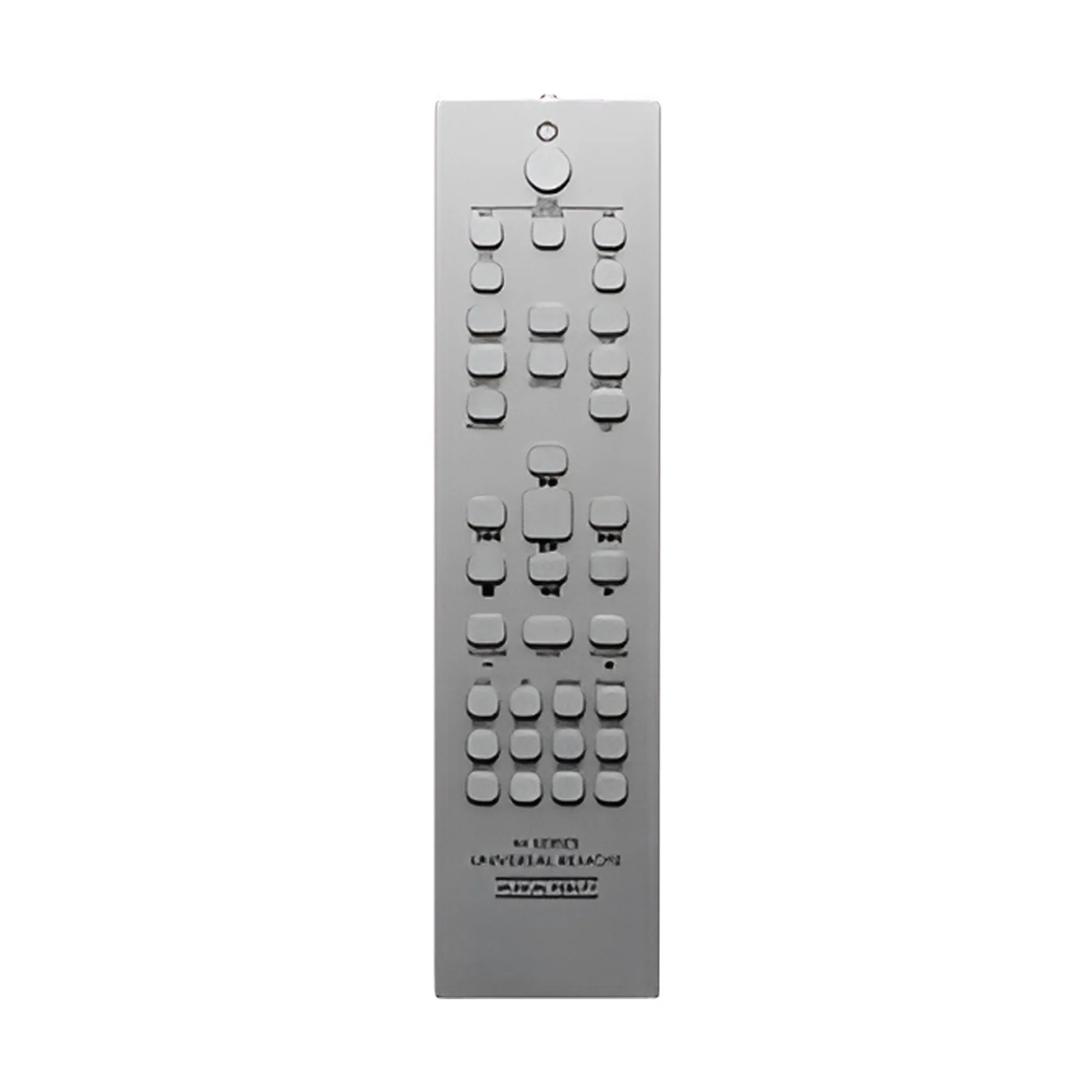
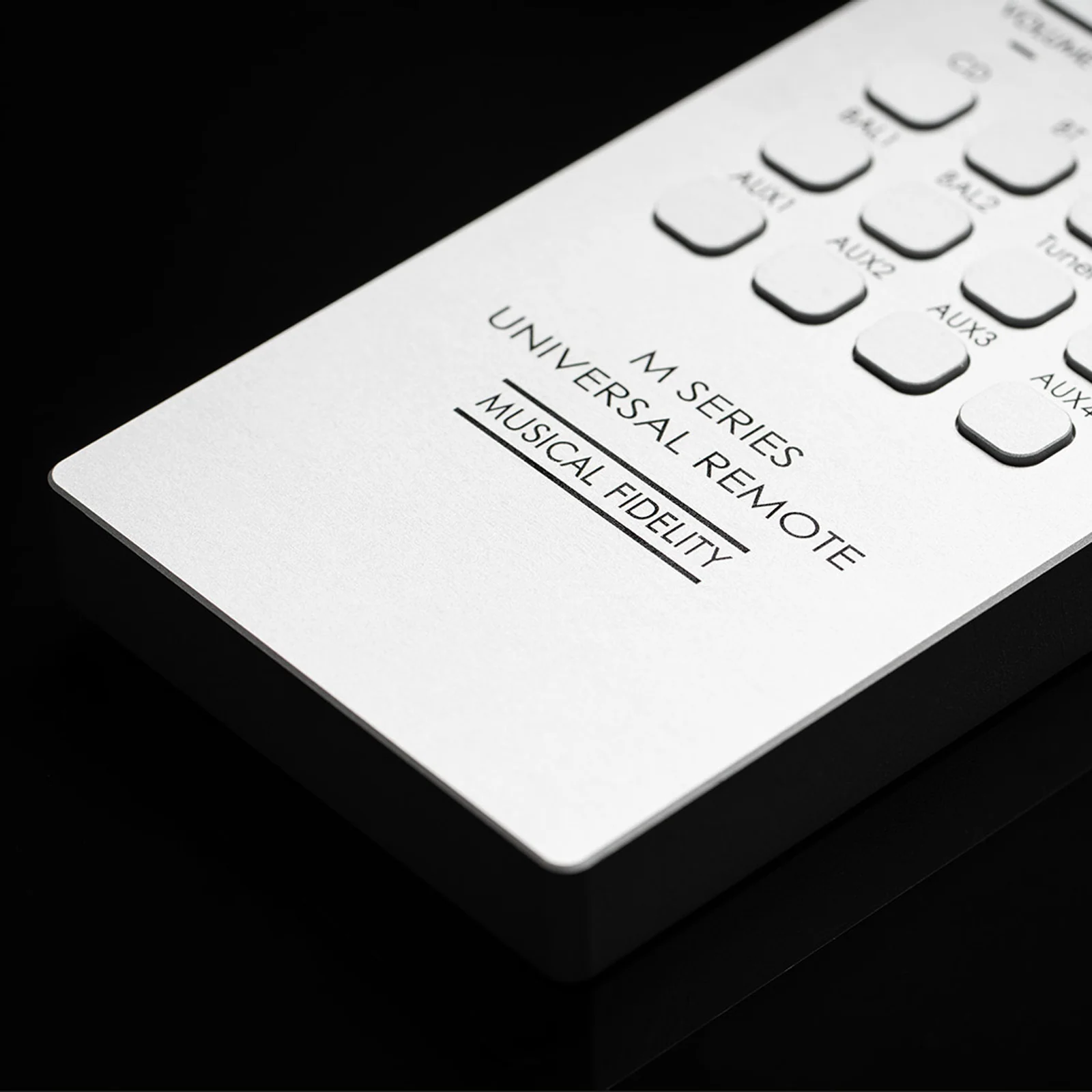
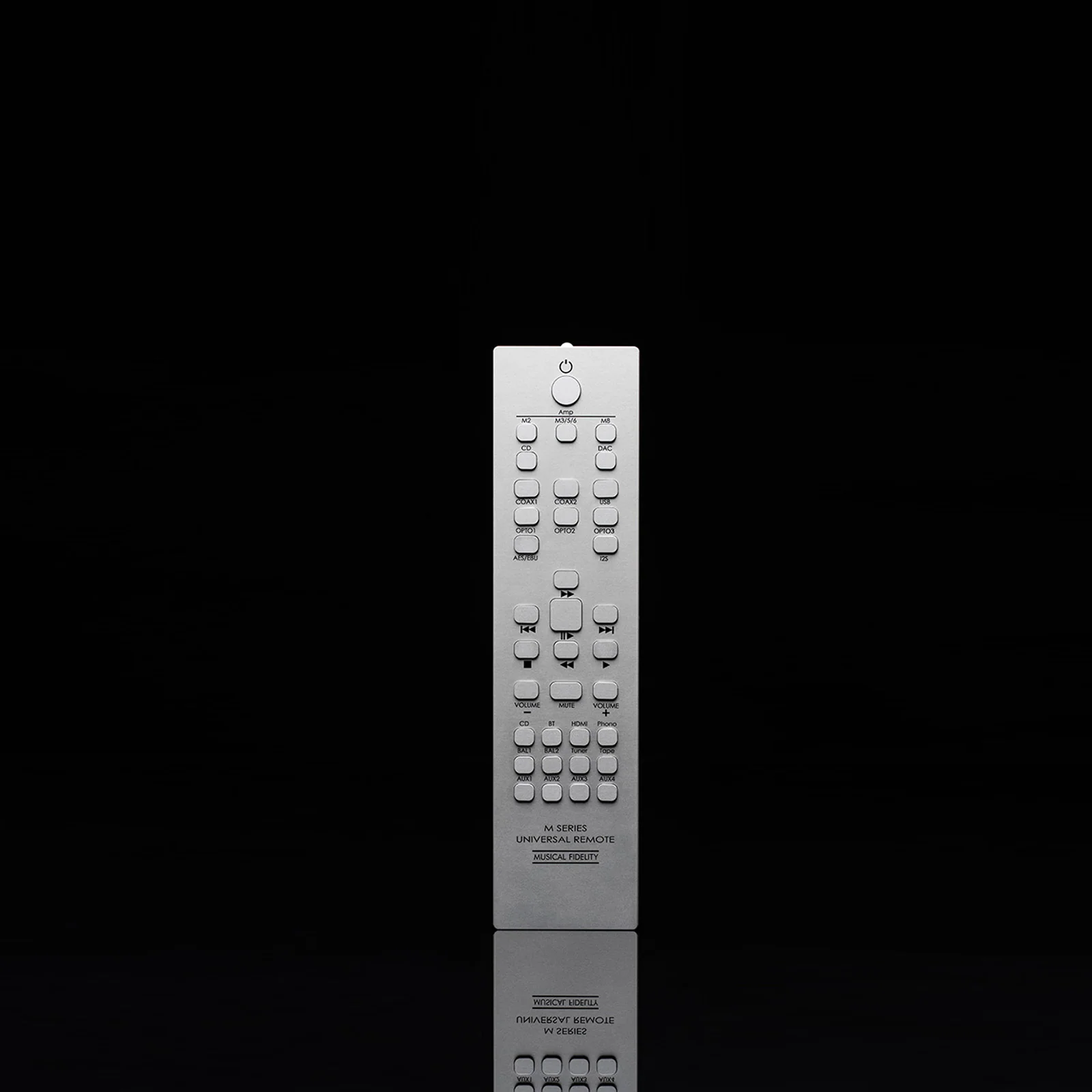
If your rack holds more than one Musical Fidelity M Series component, your coffee table probably holds more than one remote. The Musical Fidelity M Series Universal Remote replaces them with a single handset. It runs M Series integrated amplifiers, preamplifiers, CD players, and DACs from the M2, M3, M5, M6, and M8 lines.
It is also built to match the gear it controls. The body and buttons are machined from solid aluminum, and at 172 grams it has real weight in the hand. This version comes in silver.
Musical Fidelity lists every supported model. That includes the M2si, M2xi, and M2scd; the M3i, M3si, M3xi, M3cd, M3scd, and M3x DAC; the M5si and M5xi; and the M8xi, M8 PRE, M8s PRE, M8xcd, and M8x DAC. The M6 list is longest, covering twelve models from the M6i to the M6s PRE.
The trick is a set of selector buttons. Press M2, M3/5/6, or M8 to choose which amplifier series you are controlling. A separate CD/DAC button switches the grey control section to your disc player or DAC, whatever series it belongs to. Then the input, volume, mute, and power keys go to that unit.
The remote measures 50 by 200 by 10 mm. It uses infrared, so point its front edge at the component’s receiver window with a clear line of sight. Power comes from one CR2450 coin cell, reached by unscrewing the bottom plate with the included Torx key.
There is nothing to pair or program: unscrew the bottom plate, fit the CR2450 battery the right way round, and close it up. Press the series button that matches your amplifier, or CD/DAC for a source, and aim at the front panel. If the range drops noticeably, it is time for a fresh battery. Pick it up, and it just works.
Build or extend your M Series system with these components:
It supports listed models from the M2, M3, M5, M6, and M8 Series, including integrated amps, preamps, CD players, and DACs. Check that your exact model is on the list before you buy.
It takes one CR2450 coin cell, which you reach by unscrewing the bottom plate with the Torx key included in the box.
Only if your amplifier supports remote power switching. Not every M Series amp does, so check your amplifier’s manual. The same applies to mute and volume on DACs and CD players.
No. Press the series button for your amplifier, or CD/DAC for a source, and the remote sends the right commands. The one exception is the M8x DAC’s OPTO3 input, which needs a firmware update on the DAC.
Want to learn more about integrated amplifiers, DACs, or building a matched hi-fi system? Visit our Learning Center for guides, tips, and expert advice.



Choose which cookies you'd like to allow. Necessary cookies keep the site working and can't be switched off.