{{ variable.name }} : {{ variable.values[selectedVariantsIndex[variable_index]].name }}
Quantity:
A fiber optic cable carries sound as pulses of light, not electricity, so it can't pick up the electrical or radio-frequency noise a copper cable can. What still matters is fiber quality and how cleanly the ends are polished.
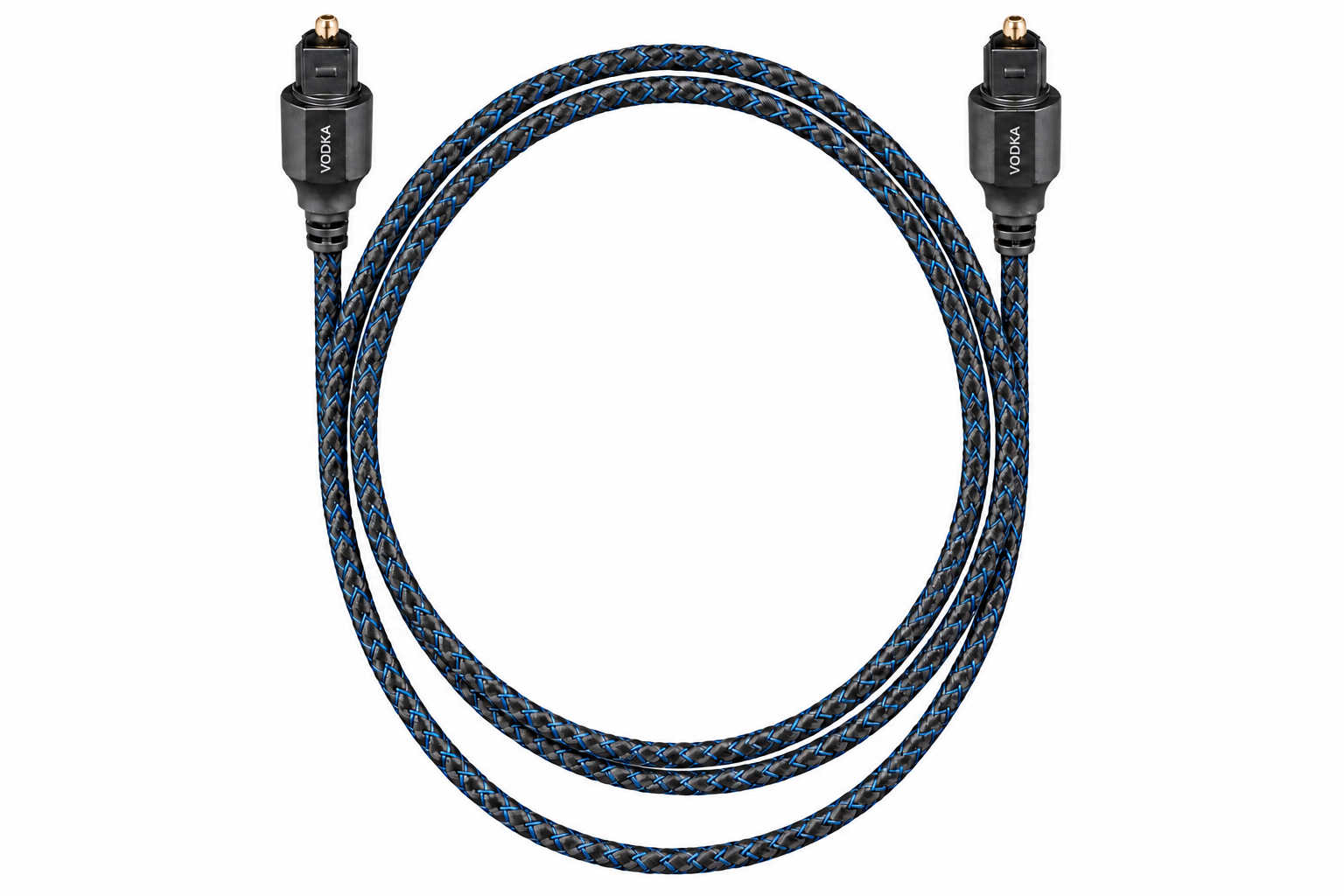
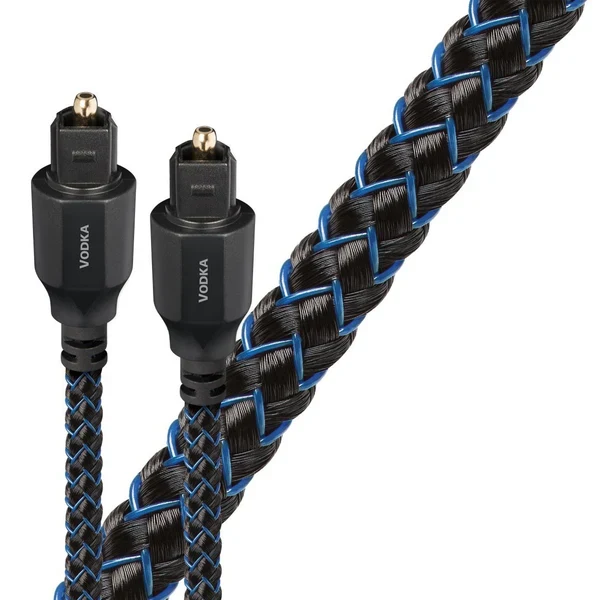
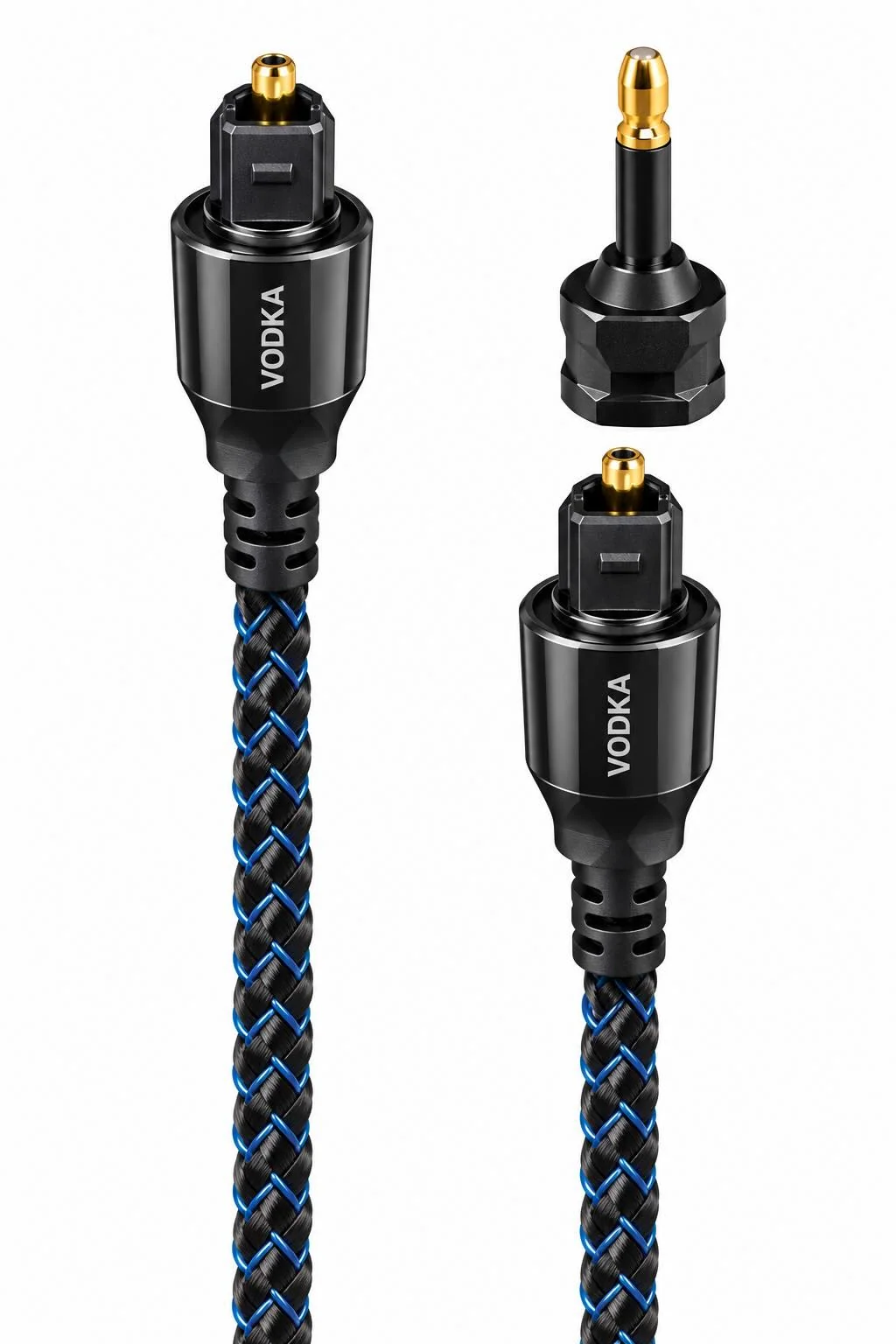
AudioQuest's Vodka is the top of the optical range we carry, scaling Carbon's narrow-aperture fiber idea from 19 fibers up to 217. Every Vodka Toslink cable ships with a Mini-Adapter in the box.
AudioQuest scales the same narrow-aperture fiber geometry it uses in Carbon up to 217 fibers in Vodka, the same underlying idea of many small, high-purity synthetic fibers in place of one large one, aimed at a cleaner, more direct signal path with less dispersion.
AudioQuest's own page for Vodka also describes solid 10% silver conductors, which it says help eliminate strand-interaction distortion and reduce jitter, the same conductor language used lower in the range. The company's page states both the fiber-count figure and the silver-conductor figure for Vodka without reconciling how the two describe the same cable.
Vodka ends in a full-size Toslink plug on each end, and every Vodka cable includes a 3.5mm Mini-Adapter in the box, so the same cable also serves a mini-optical jack without buying a second cable.
Most AudioQuest Fiber Optic Digital cables come with a Mini-Adapter connector which fits over the regular Toslink optical connector. It’s used for certain types of digital audio connections and its use is strictly optional. If you don’t need it for your audio gear, just stick it in a drawer in case you need it later.
Plug the square Toslink connector into the OPTICAL OUT or DIGITAL OUT port on your source, and the matching square plug into the OPTICAL IN port on your receiver, DAC or soundbar. The connector is keyed to fit only one way.
Then power up the system as usual.
Measure the route the cable will really take from your source to your receiver, DAC or soundbar, around furniture and behind the rack. Then add a little slack. As audio legend George Cardas puts it, "A cable that's just long enough usually turns out to be just not long enough."
An optical cable often stays in a system for years, so it is easy to overlook. Look again when something else changes: a new DAC, streamer, receiver or soundbar.
An optical cable is one link between a source and a receiver, DAC or soundbar. It usually joins these categories.
AudioQuest's own page states both figures, 217 narrow-aperture fibers and solid 10% silver conductors, without explaining how the two descriptions fit together on the same cable. We quote both exactly as AudioQuest states them rather than guessing which one governs.
AudioQuest explains it this way: dispersed light does get through a Toslink cable, but only after taking a longer path, arriving late, like a pool ball bouncing off the rails. That delayed light prevents the receiving device from decoding the signal properly. Less dispersion in the fiber means less distortion in the final analog sound.
It's plastic optical fiber, not glass. Unlike glass, it will not microscopically fracture when the cable is bent or flexed, which is what lets these cables route through tight spots without breaking.
Light travels down the fiber core with no electrical current on the cable itself, which is exactly why it can't pick up hum, ground loops or radio-frequency noise the way a copper interconnect can. The signal is decoded back to an electrical one only inside your components.
Not in the AudioQuest optical range we carry. Vodka is the top of that range.
Various portable audio devices and computers use this adapter including the iFi Gryphon, Creative Sound Blaster, KEF EGG Duo, Google Chromecast, Apple AirPort, Astell&Kern AK100II/120/240 and the Sony MZ-N505.
The answer is that shorter lengths of the cables are most commonly used in home audio systems where the cables may be visible, so they get the fancier woven cover. Longer fiber optic cables (5.0M+) are often used in home theater or commercial installations where the smooth cover makes it easier to pull the cables through ceilings and walls. What’s the difference in performance? None that we can tell.
Want to learn more about optical cables, digital audio, or system setup? Visit our Learning Center for guides, tips, and expert advice.
Choose which cookies you'd like to allow. Necessary cookies keep the site working and can't be switched off.