{{ variable.name }} : {{ variable.values[selectedVariantsIndex[variable_index]].name }}
Quantity:
A 3.5mm mini interconnect carries an analog signal between two components using the same small plug most headphones use, so no adapter is needed on gear already built around that jack.
AudioQuest's Golden Gate is a 3.5mm mini interconnect with solid Perfect-Surface Copper (PSC) conductors, Foamed-Polyethylene insulation and Metal-Layer Noise-Dissipation. It ends in cold-welded, gold-plated plugs and has a Red on Black nylon-braid jacket. AudioQuest also builds it as a Male-to-Female extension, with a female 3.5mm jack on one end, to the same construction.
Other length & termination options are available. Call us to discuss your needs.
AudioQuest says Perfect-Surface Copper is drawn with a very smooth skin, which cuts the distortion that grain boundaries cause. Solid conductors also prevent strand interaction, a major source of distortion.
AudioQuest says its Foamed-Polyethylene insulation preserves dynamic contrasts.
Noise control is AudioQuest's Metal-Layer Noise-Dissipation, which absorbs and reflects most radio-frequency noise before it reaches the layer attached to ground.
All internal conductors are Direction-Controlled to reduce RF noise. The Asymmetrical Double-Balanced Geometry is built for single-ended use. AudioQuest says it gives the ground a relatively lower impedance for a richer, more dynamic sound.
Each plug is joined to the wire by a high-pressure cold weld instead of solder, which AudioQuest calls a common source of distortion. The ground shells are stamped instead of machined, so the metal can be chosen for low distortion.
Plug one 3.5mm end into your source's headphone or line-out jack, and the other end into the matching 3.5mm input on your amplifier or receiver. For the Male-to-Female extension, plug the male end of your existing 3.5mm cable into the female jack, and the extension's male end into your amplifier or receiver.
Then power up the system as usual.
Measure the route the cable will really take from your source to your amplifier or receiver, around furniture and behind the rack. Then add a little slack. As audio legend George Cardas puts it, "A cable that's just long enough usually turns out to be just not long enough."
An interconnect often stays in a system for years, so it is easy to overlook. Look again when something else changes: a new DAC, streamer or headphone amplifier, or a better amplifier.
A 3.5mm interconnect is one link between a source and an amplifier or receiver. It usually joins these categories.
AudioQuest builds both from the same conductors, insulation and noise-dissipation system. The only difference is the connector at one end. Male-to-Male runs from a source straight to an amplifier or receiver. Male-to-Female extends a 3.5mm cable you already own.
AudioQuest says all internal conductors are Direction-Controlled to reduce RF noise. Where the cable carries a direction marking, connect it running from source toward amplifier.
Unbalanced. This is a single-ended 3.5mm connection, like a typical headphone cable, not a balanced connection.
A limited lifetime warranty for the original owner, when you buy from an authorized US dealer like us.
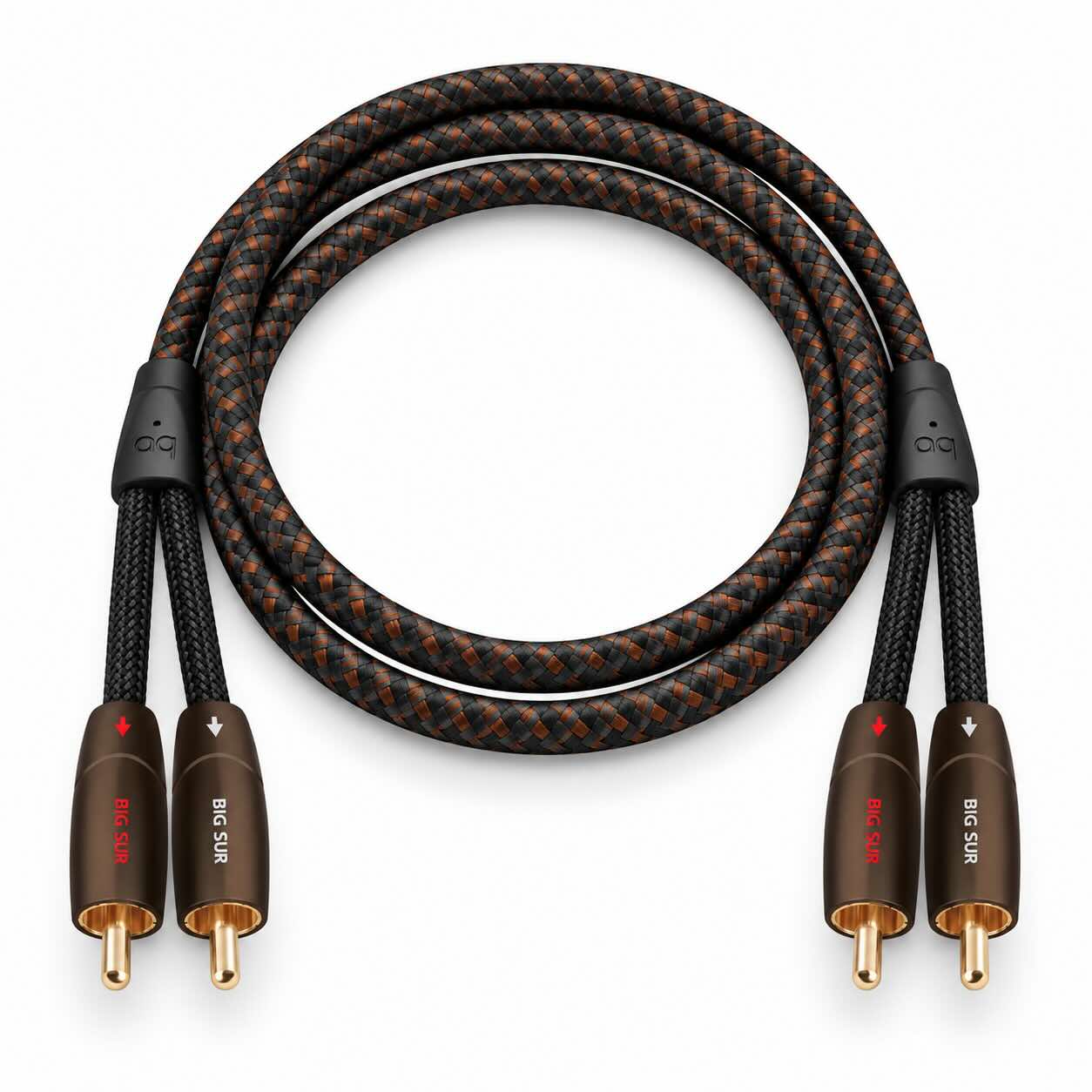
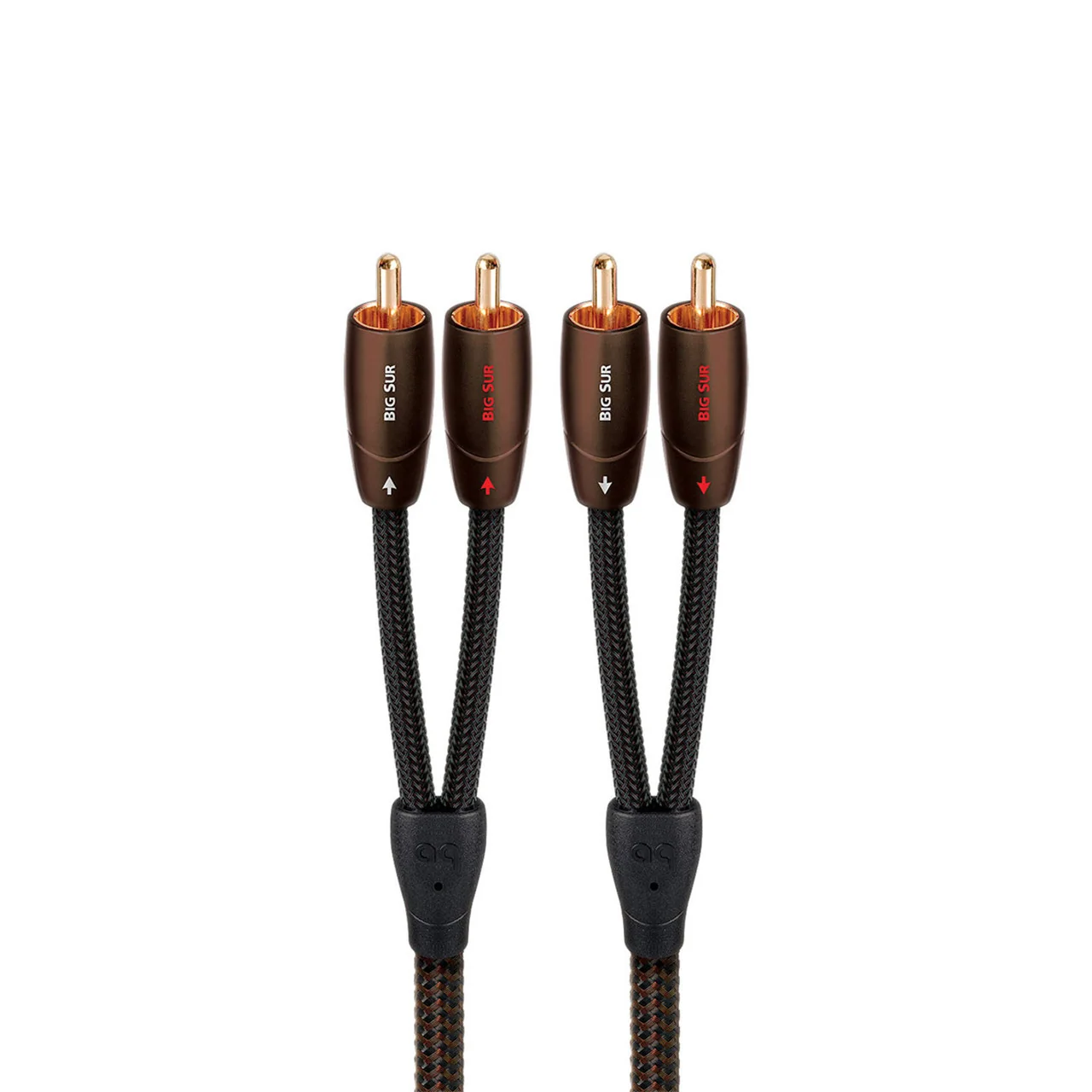
AudioQuest Big Sur is the next rung in the 3.5mm mini range. It moves up to Solid Perfect-Surface Copper+ (PSC+) conductors with Foamed-Polyethylene insulation and Metal-Layer noise dissipation.
The most popular configurations are shown on this page. If your system requires a different length or termination, call our audio experts. We’ll help you choose the right configuration and arrange a custom cable for your system.
Want to learn more about interconnect cables, system setup, or matching your gear? Visit our Learning Center for guides, tips, and expert advice.
Choose which cookies you'd like to allow. Necessary cookies keep the site working and can't be switched off.